The SquareUsUp tutorial.
In this video, the major features of SquareUsUp are demonstrated in detail. The video is bookmarked in YouTube to let you view only those sections of the video that interest you.
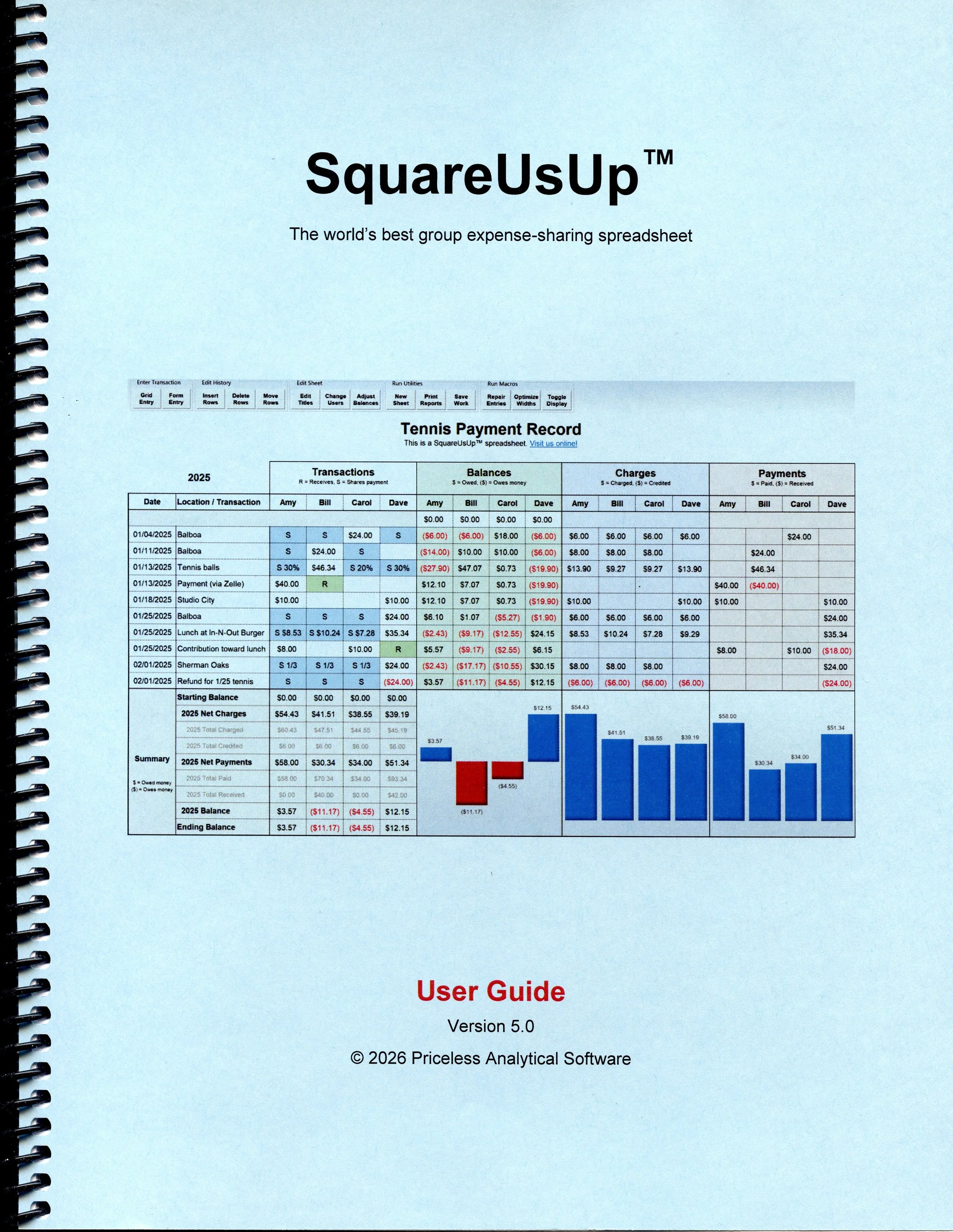
The SquareUsUp User Guide.
SquareUsUp usage is fully documented in writing. The User Guide is a 26-page PDF file formatted for single-sided or double-sided printing on letter-sized paper.
To view the file online, just click on the User Guide image. The User Guide will open in a new browser window. You may save the file to your computer from that window, if desired.
To download the file without viewing it, right-click on the image, choose Save Link As (or an equivalent option), select a folder, then click Save to save the file to the selected folder.
SquareUsUp technical documentation
(sort of).
Sorry if that heading is a little misleading. We aren’t publishing SquareUsUp’s technical documentation. Fascinating as it might be to some, the fact is that no understanding of SquareUsUp’s software design is needed to master its use. But we’ll use this space to give you an idea of what makes SquareUsUp spreadsheets so different from the countless other expense-sharing spreadsheets out there.
Most expense-sharing spreadsheets work by placing clever Excel formulas into simple sheet layouts. While these solutions are good at demonstrating Excel techniques, they have crude user interfaces, lack vital expense-sharing features, don’t scale well to larger projects, and don’t offer protection from Excel errors that can cascade through the spreadsheet. They are cool utilities, not polished apps.
SquareUsUp is nothing like those spreadsheets. It is a full-featured app built inside the Excel runtime environment. Its architecture includes a data-validation and computation engine built from almost 200,000 Excel formulas, plus a user interface implemented via thousands of lines of VBA code. These two subsystems provide a full suite of expense-sharing services while insulating the user from Excel’s complexities.
The result is an application where users don’t need to understand Excel ― or even know they’re using it ― in order to master it.